Compatible with Chrome and Edge
Instruction Guide
We have a simple tutorial guide which explains the features of the software extension and what each button inside the extension does. Read our tutorial and welcome guide on how to use the extension to the fullest. Use all the features of this browser software.
If you are interested in other web extensions to install, you might wish to check out the Microsoft Bing Search with Rewards extension.
Microsoft Bing Search with Rewards Extension
It allows you to complete daily offers to get points.
Track the number of points you have currently and the rewards you can redeem with these points.
The ways to get points & get rewarded is search with Bing, browse with Microsoft Edge and shop at the Microsoft and Windows stores to earn rewards.
Sponsored Link:
Other useful extensions
Another extension which would be useful to install is the iCloud bookmarks extension.
It allows to keep your Chrome bookmarks on Windows synced up with the Safari bookmarks on your iPhone, iPad, and Mac.
iCloud will store your website bookmarks so it is accessible even on your iPhone and Mac.
Try these other two extensions and see if it will boost your daily productivity.
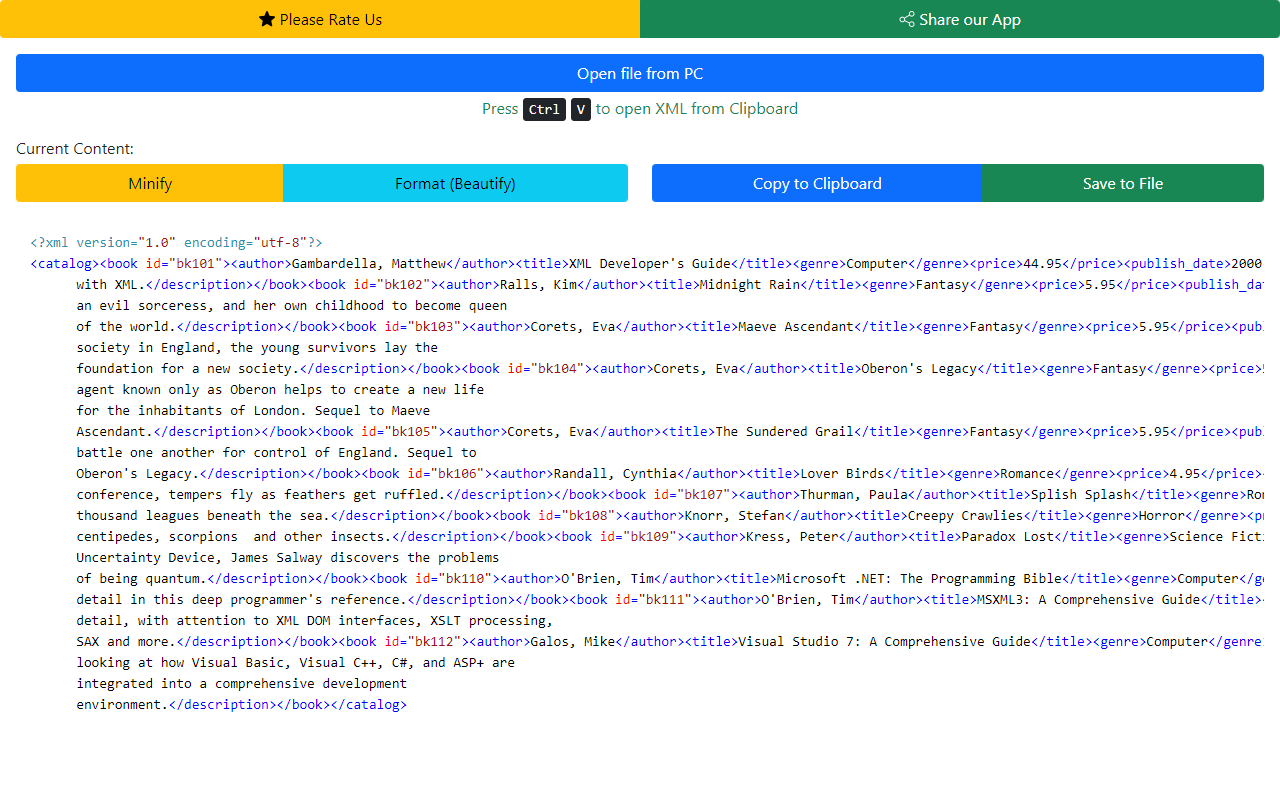
Open and edit your XML files instantly for free using this software. You can open and edit your XML files and save these changes directly onto your desktop. We also allow you to save the edited XML file into your Google Drive as well. Once you have made the necessary changes to your XML file, simply save it to your PC/Google Drive - Free of Charge View and Edit XML files for free!
Features:
Install and open.
- After installing the extension. You click on the icon to begin viewing your XML files.
What is the XML language?
XML stands for eXtensible Markup Language. It is a markup language that allows you to define the structure of a document. The XML standard is maintained by the World Wide Web Consortium (W3C).
XML is often used to provide a format for storing and exchanging data. It can be used as an alternative to HTML, but it's much more flexible and powerful. It can also be used in conjunction with HTML to improve its structure and content.
The XML language consists of text enclosed in tags. For example, the following code is an XML document that contains the names of countries:
How can you edit XML code?
You can edit XML code in a variety of ways. If you need to make changes to the XML file that came with an app, you can use the Xcode editor to do so. You can also edit XML files in TextEdit on a Mac or Notepad on Windows.
If you want to create your own XML file from scratch, you can use a simple text editor like TextWrangler (Mac) or Notepad++ (Windows).
If you're using an IDE such as Xcode or Visual Studio, you'll probably want something more advanced than Notepad++ or TextWrangler. There are many options available for developers who want to edit their code in an integrated development environment (IDE).
Tutorial:
- Install the Extension
-
After installing the extension, click on the icon
 on the toolbar.
Sponsored Link: